Join the Crew
Get the best resources for producers delivered to your mailbox

Get the best resources for producers delivered to your mailbox


The Wrapbook Team consists of individuals who are thrilled about building modern software tools for creators. We’re a team of compassionate and curious people dedicated to solving complex problems with sophisticated solutions. You can find us across the U.S. and Canada.
At Wrapbook, we pride ourselves on providing outstanding free resources to producers and their crews, but this post is for informational purposes only as of the date above. The content on our website is not intended to provide and should not be relied on for legal, accounting, or tax advice. You should consult with your own legal, accounting, or tax advisors to determine how this general information may apply to your specific circumstances.
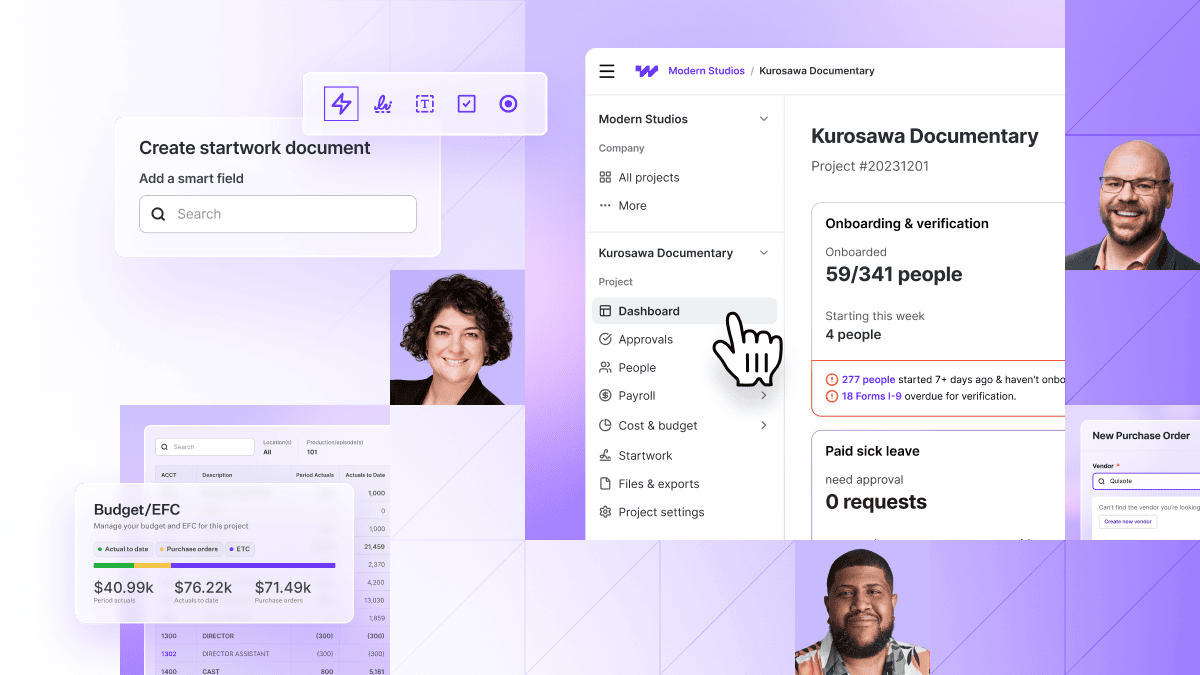
Every time your work leaves Wrapbook and comes back, it’s another step that slows you down, and another opportunity to introduce errors. So this quarter, we cut down on the back-and-forth. That means fewer handoffs, less waiting, and more momentum: from timecards to approvals to reports, here’s how Wrapbook is helping you move faster without giving up control.
This quarter's payroll updates give your team more control over when items get paid, how a day gets coded, and how quickly transactions get categorized.
A single timecard used to carry both wages and expenses. That meant the whole card waited on whichever line was slowest, and a mixed card could only be reversed all at once. Now, you can select the items you're not ready to pay, move them to a second timecard, and batch that card on its own schedule. If a batch needs explaining, that note travels with the card, so nothing’s lost in translation.

A shooting day that covered multiple episodes used to get coded to one, then fixed after payroll was run. Now, you can split a shift or allowance across your project's account codes right in the timecard, by hours, percentage, or dollar amount, before payroll runs.

This quarter's AP updates cut down the manual steps between receiving an invoice and paying it, with more control over who can act along the way.
Accounts Payable picked up speed at every step this summer, from setting up vendors to sending payments. As of this summer, you can:
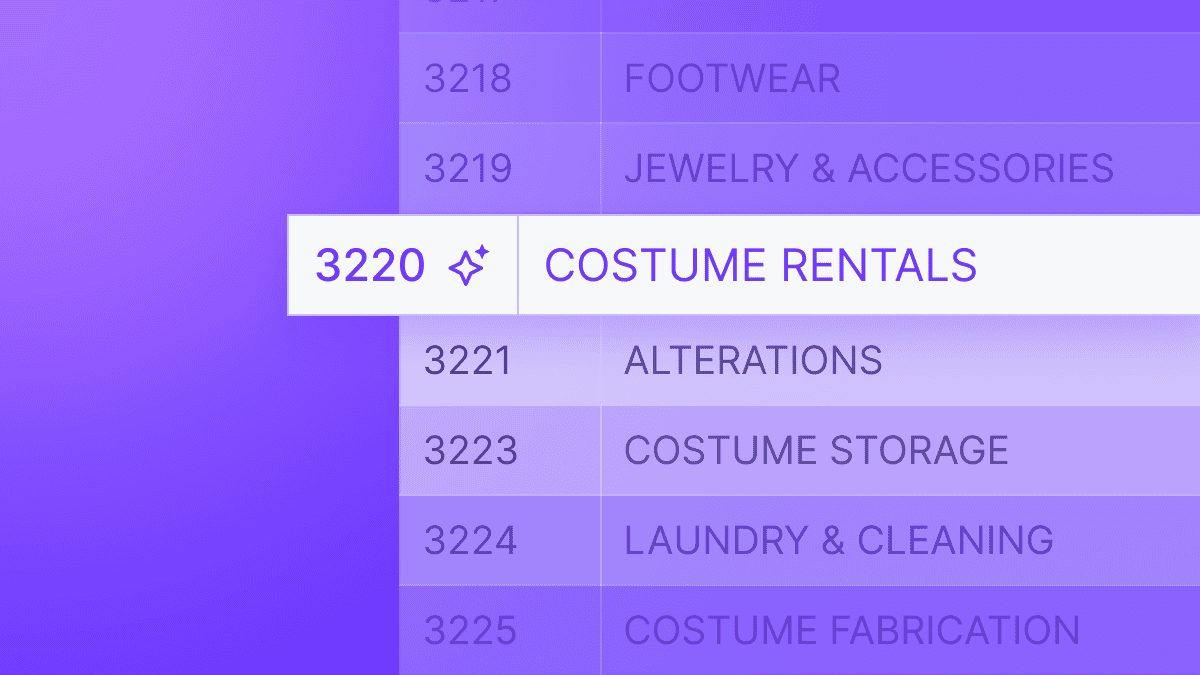
Hand-coding every transaction is the daily tax on clean books. Code Assist suggests the right account and tag codes for you based on transaction descriptions and historic vendor patterns. All you have to do is tab through to accept what's right and fix what’s not. Suggestions never post without your thumbs-up, and Code Assist will never overwrite a row you’ve already worked in, so you can move faster without giving up any control.
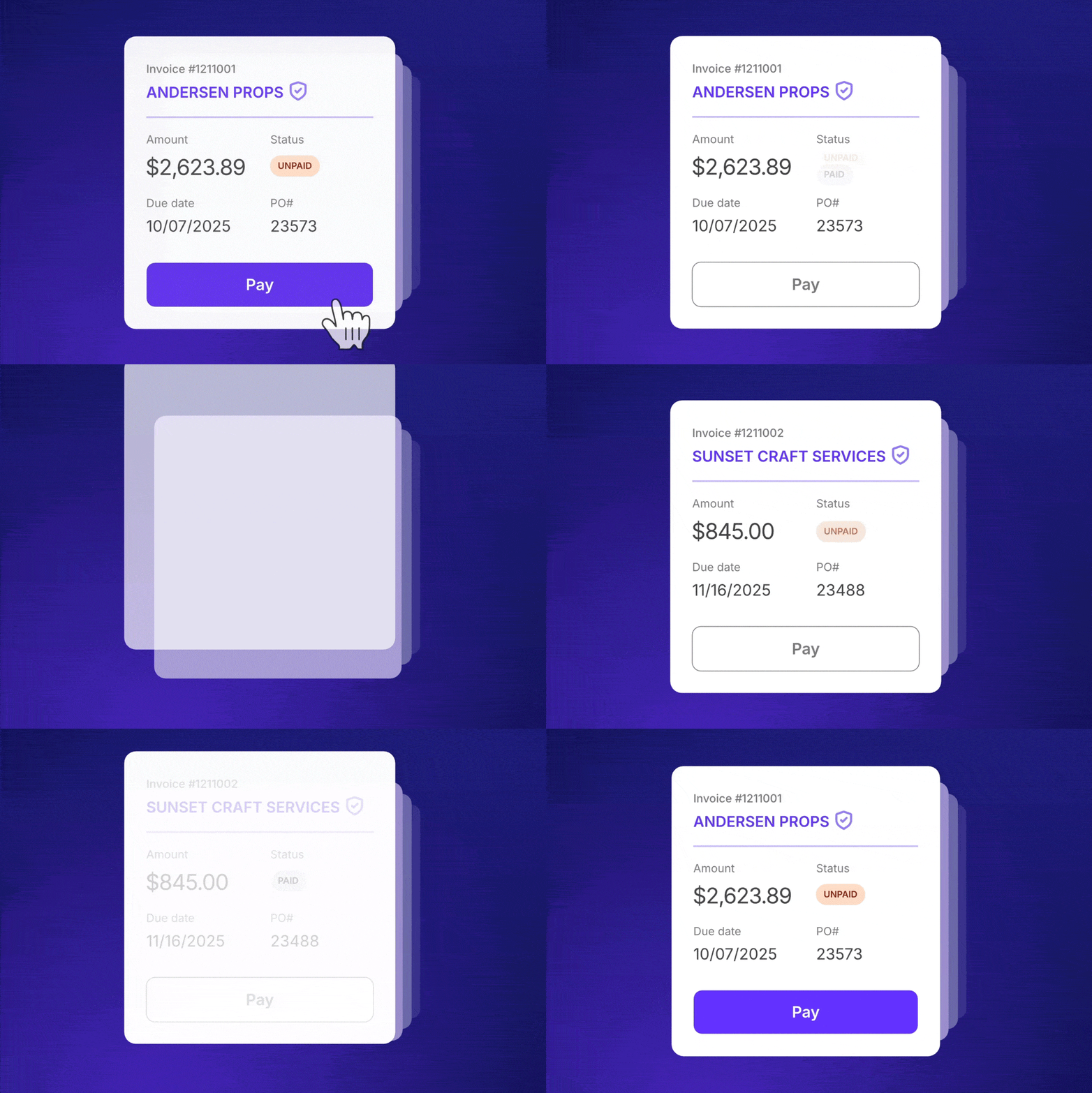
You can now send payments straight from the AP flow with Wrapbook’s free Direct ACH vendor payments. Just connect your bank account, and start paying invoices with a click. There’s no file management, no data re-entry, and no bank fees. (Of course, all the old payment methods still work the same.)
On the accounting side, this quarter's work focused on making your reports fit the way each stakeholder needs to see them.
Sometimes a stakeholder needs reports to conform to their own COA, rather than yours. Until now you had to either work in the funder's unfamiliar accounts and convert every export back in Excel, or keep your own and re-map into theirs before sending. Both were time-consuming and thankless.
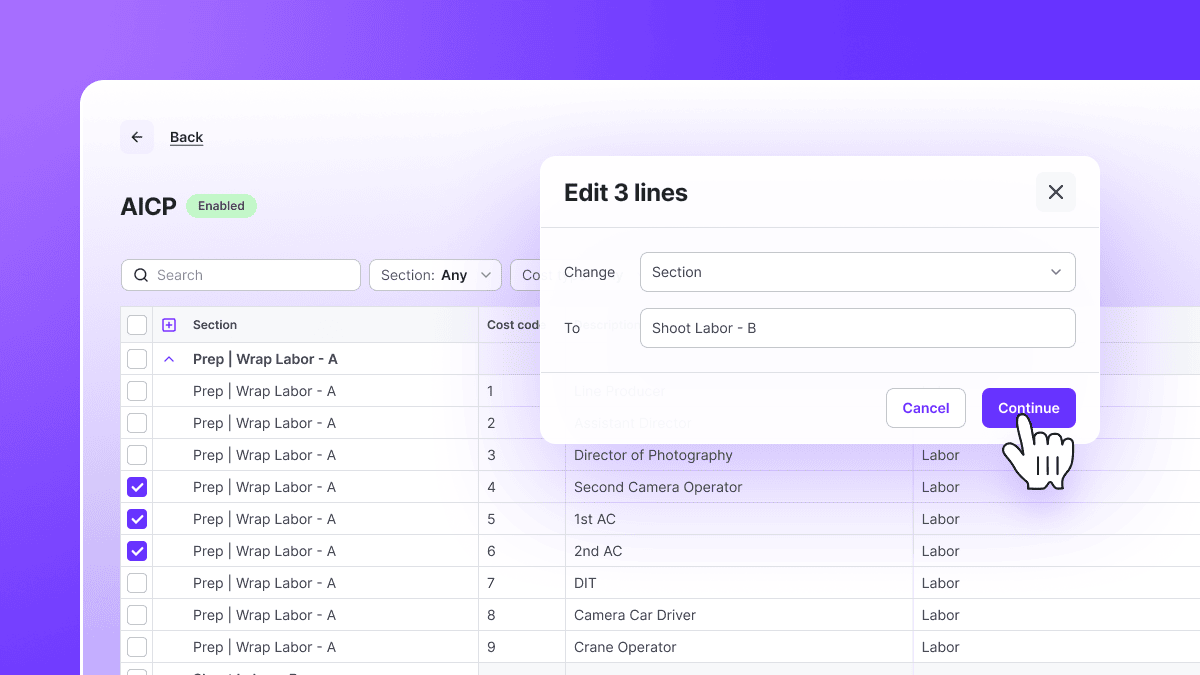
With custom COA-mapping, all you have to do is map the charts onto each other once. From that point on, you can generate and share your cost report, trial balance, and project general ledger in whichever format your stakeholders need. It’s that easy.
This quarter's reporting updates put more of the reports your team relies on within reach, without a request or a wait.
We’ve made it even easier to get the answers you need without waiting on anyone. Not only have we added new reports, but many of the reports you used to request from Client Ops are now yours to run out of the box in Wrapbook. Getting to any report is faster too, with reorganized report pages and the option to run AP reports right from Accounts Payable. Of course, every report is still as adjustable as ever: pick your columns, filter to the data you want, and view it your way.
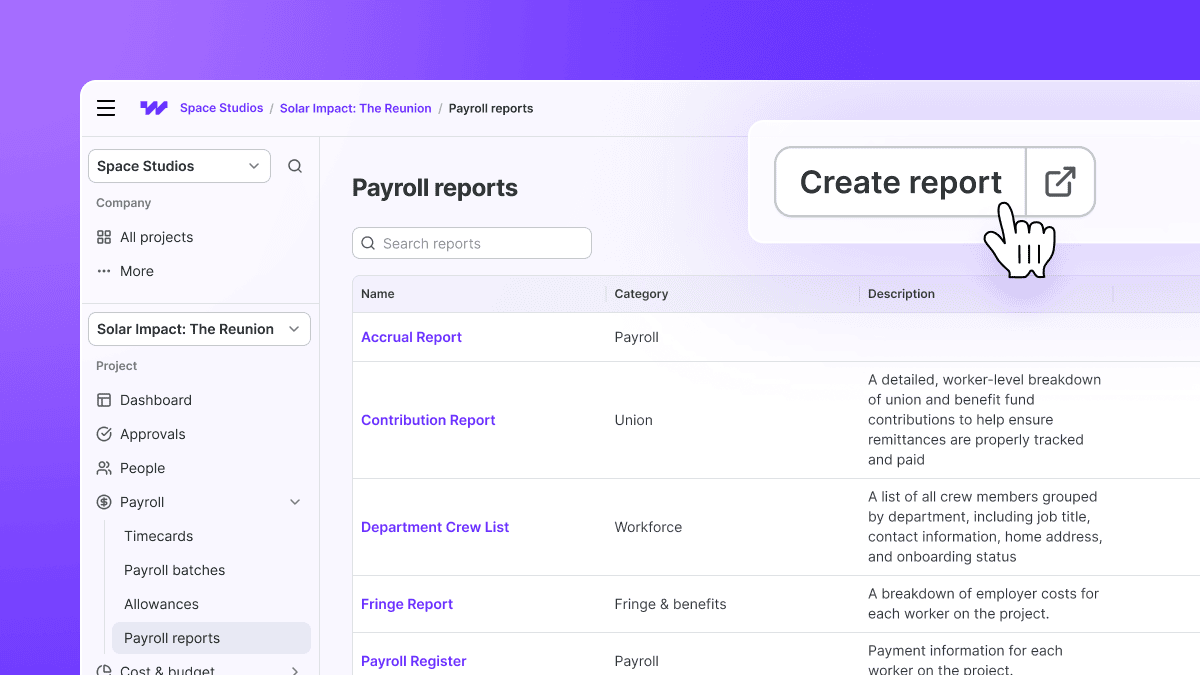
Now, Wrapbook users can generate these reports out of the box:
We've also made existing reports easier to use. You can now run AP reports directly from Accounts Payable instead of only from Reporting, build reports based on effective date, and find reports more easily with a consistent layout and categories across every reporting page. (1099 and tax filing reports now live in Company Reports.)
Every update this quarter goes after the same problem: the moments when work has to leave Wrapbook to get done. Moving items to a second timecard, splitting a day across episodes, paying vendors directly from AP, and reporting in a stakeholder's own chart of accounts each remove a trip to a spreadsheet, a bank portal, or someone else's inbox. That means fewer handoffs, fewer places for errors to creep in, and a team that keeps moving while staying in control of every approval.
Want a closer look at any of these features? Reach out to our team or find step-by-step guides in the Help Center.