Join the Crew
Get the best resources for producers delivered to your mailbox

Get the best resources for producers delivered to your mailbox

The Wrapbook Team consists of individuals who are thrilled about building modern software tools for creators. We’re a team of compassionate and curious people dedicated to solving complex problems with sophisticated solutions. You can find us across the U.S. and Canada.
At Wrapbook, we pride ourselves on providing outstanding free resources to producers and their crews, but this post is for informational purposes only as of the date above. The content on our website is not intended to provide and should not be relied on for legal, accounting, or tax advice. You should consult with your own legal, accounting, or tax advisors to determine how this general information may apply to your specific circumstances.
Happy July everyone!
This month's updates are designed to reduce the setup work on every new project and give you more control over vendor payments, AP approvals, and timecard review. Whether you're spinning up a new show, approving invoices, or working through a stack of timecards, these features are built to keep your team efficient and in control.
Here's what's new.
July brings three updates to the accounting and spend side of Wrapbook, each one bringing more control, visibility, and efficiency to your workflow, from initial project setup through vendor coding and AP approvals.
Setting up a new project no longer means rebuilding your chart of accounts from zero. You can now create a company-level COA template once and assign it to new projects automatically, so your account structure is ready the moment a project spins up. Open COA Mapping and Wrapbook matches accounts for you with low-confidence matches defaulting to "no match" so you're correcting, not starting from scratch.
And for reporting across your entire slate, the company GL puts consolidated financials from every project in one view. Switch between your company COA and another COA with a single click—no separate logins, no exports to reconcile.

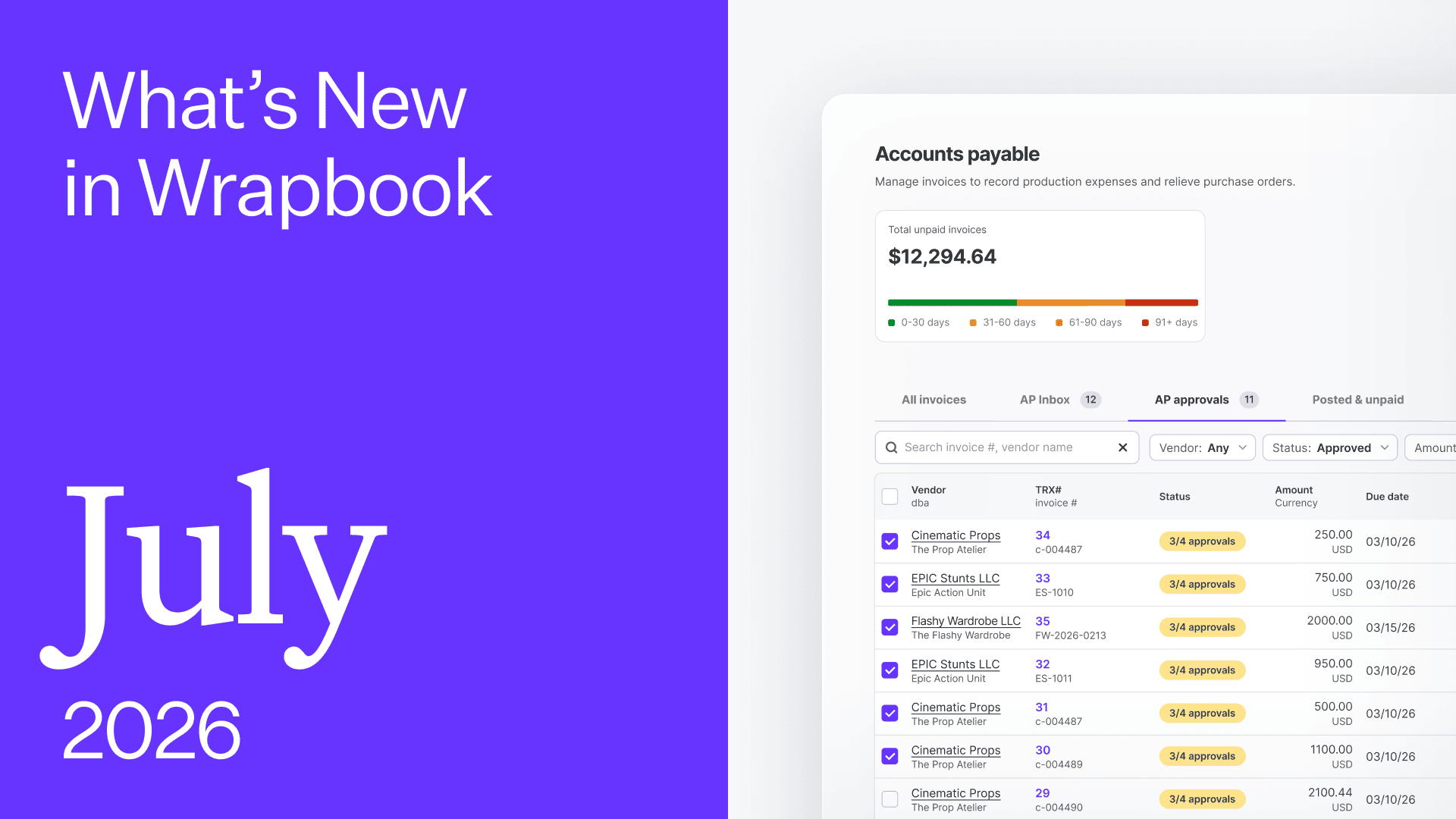
AP Approvals lets you configure review rules by amount, department, vendor, or payment type. The right approvers are pulled in at the right stage, and you get full visibility into who approved what and when—without slowing down AP.

Code Assist now suggests account, location, production/episode, set, free field, and 1099 codes based on a vendor's recent transaction history on your project. Turn recurring coding patterns into vendor default rules in bulk and add per-vendor exceptions when a single vendor covers multiple expense types. Start a PO or invoice for a vendor you've coded before and the suggestions are already there.

On the onboarding and payroll side, this month's updates are about reducing the back-and-forth, giving your team more information in fewer clicks, and more control over how workers move through the process.
A new compact header puts worker info, default rate, guarantee, and deal memo in view without scrolling. Plus, a sticky footer now keeps approval status, notes, and actions accessible wherever you are on the timecard—so you always know where a timecard stands without clicking around.
Note: this feature is rolling out gradually throughout July, so you may not see it in your account just yet.

For workers whose time or allowances span more than one account, you can now split directly in the timecard by percentage or amount. Everything gets coded accurately before payroll runs.

Require workers to upload training certificates, driver's licenses, or compliance documents as part of their standard onboarding flow. Then filter your worker list to see exactly who has and hasn't completed their startwork—without clicking into each record.

July's updates give your team more leverage from day one—faster project setup, tighter controls over vendors and AP, and timecards that surface the context you need without the extra clicks.
As always, our Support Team and Help Center are here if you have questions along the way.